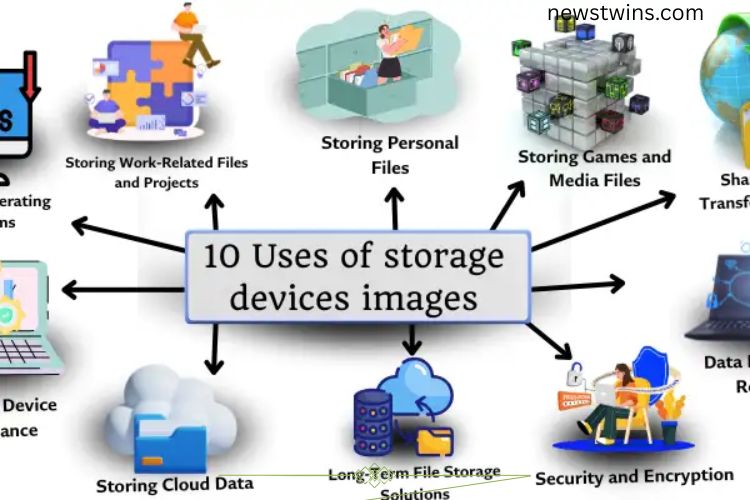
Storage devices have become an essential part of our digital world. From saving family photos to storing important work documents, these devices keep our data secure and accessible. Whether it’s a USB drive, external hard drive, memory card, or cloud service, storage devices make it easy to manage, share, and protect your files. In this guide, we explore 10 practical uses of storage devices and how they enhance our daily lives.
Read More: Optical Storage Devices Uncovered: Your Ultimate, Beginner-Friendly Guide to Mastering Data Storage!
Storing Personal Files
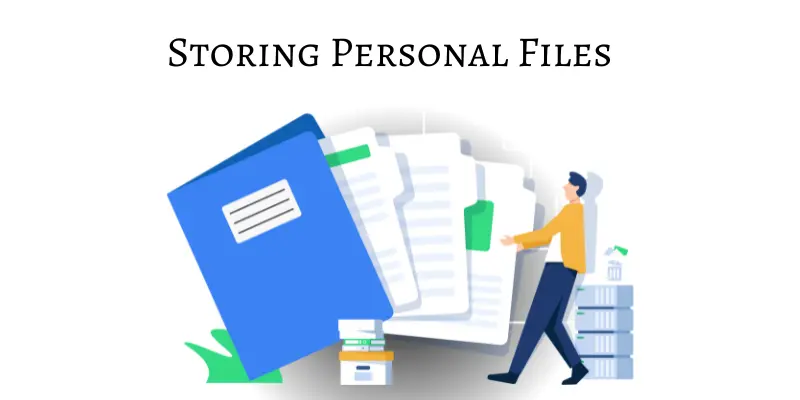
Storage devices provide a safe home for personal data. Users can save photos, videos, documents, and other important files in one place. By organizing data on a storage device, you reduce the risk of losing memories or crucial information. Many people rely on storage devices daily to keep their personal files secure, accessible, and organized.
Benefits:



- Protects valuable documents and photos.
- Ensures easy access and file organization.
- Allows smooth sharing of files with friends and family.
Storing Operating Systems and Software
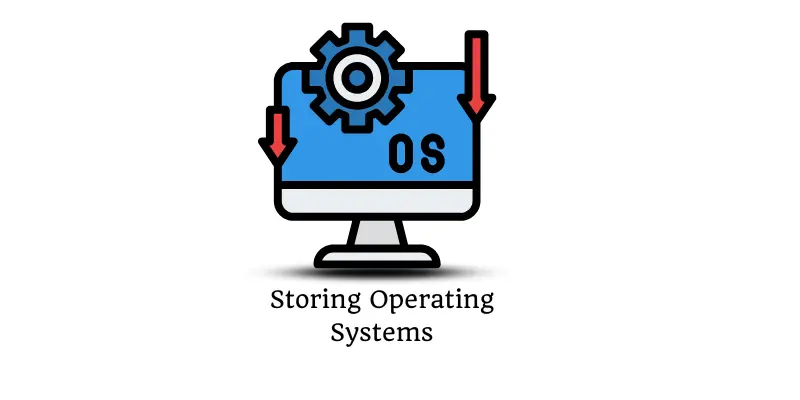
Storage devices play a critical role in keeping operating systems and software programs safe. Computers rely on these systems to function efficiently, and software applications run essential tasks. Using storage devices to store operating systems or backup software ensures smooth installation, updates, and recovery if needed.
Benefits:
- Keeps operating systems secure.
- Stores software for future use.
- Facilitates easy installation and updates.
Data Backup and Recovery
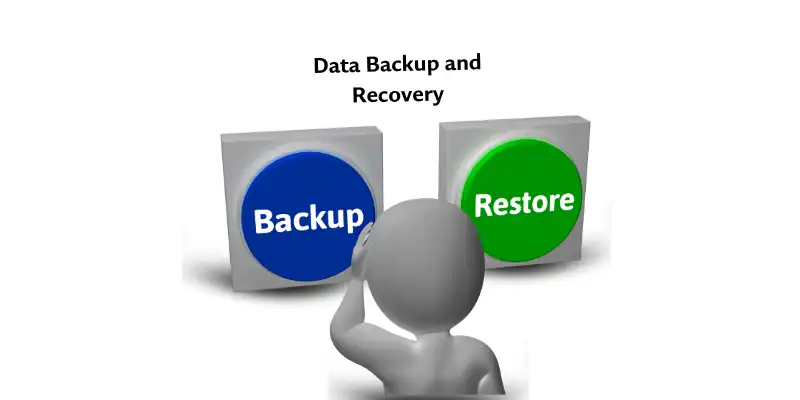
One of the most vital uses of storage devices is data backup and recovery. Losing important files due to device failure or accidental deletion can be devastating. Storage devices act as a safety net, ensuring that a copy of your crucial data is always available. With reliable backup solutions, you gain peace of mind knowing your information is protected.
Benefits:
- Creates secure copies of essential files.
- Enables fast data recovery in emergencies.
- Protects against accidental loss or device failures.
Storing Games and Media Files
Modern storage devices handle large files efficiently, making them perfect for games, movies, music, and other media. These devices free up space on your computer, phone, or tablet while ensuring your favorite entertainment content is always accessible. Whether you are a gamer or a music lover, storage devices help maintain smooth performance while keeping files organized.
Benefits:
- Stores games, movies, and music.
- Frees up device storage.
- Provides quick access to media content.
Sharing and Transferring Files
Storage devices make file sharing and transfer simple and fast. Users can move data from one device to another or share documents with colleagues, friends, and family. Unlike sending large files over email, storage devices provide a reliable way to transfer data safely and efficiently.
Benefits:
- Facilitates quick data transfer.
- Ensures files remain safe during sharing.
- Supports collaboration and group projects.
Storing Work-Related Files and Projects
Professionals and students rely on storage devices to organize work-related documents, presentations, and projects. By storing files externally, you can access them anytime, carry them on the go, and prevent data loss. Storage devices make managing work seamless and efficient, especially for those handling multiple projects at once.
Benefits:
- Organizes work documents and projects.
- Protects critical business data.
- Makes files portable and easy to access.
Enhancing Device Performance
Devices can slow down when their internal storage is full. External storage solutions, like USB drives, external hard drives, and memory cards, help free up space and improve overall performance. By offloading large files, your computer or smartphone runs faster, programs load quicker, and multitasking becomes smoother.
Benefits:
- Reduces internal storage pressure.
- Boosts device speed and efficiency.
- Prevents performance lag and crashes.
Storing Cloud Data for Easy Access
Cloud storage has revolutionized how we store and access data. Platforms like Google Drive, iCloud, and Dropbox allow users to save files online, making them accessible from any device with internet access. Cloud storage simplifies file management, sharing, and collaboration, while keeping your data safe from hardware failures.
Benefits:
- Access files from anywhere.
- Easily share data with others.
- Protects files from local device issues.
Security and Encryption
Protecting sensitive data is crucial, and storage devices offer robust security options. Many external drives and USB devices come with encryption features, ensuring that only authorized users can access your files. By combining physical storage with encryption, you can safeguard personal, financial, and business data from unauthorized access.
Benefits:
- Protects sensitive files from unauthorized users.
- Adds an extra layer of data security.
- Ensures peace of mind for personal and professional files.
Long-Term File Storage Solutions
For files you don’t need to access daily but want to keep safe, long-term storage devices are ideal. External hard drives, DVDs, and cloud solutions protect data from damage, loss, or corruption over time. Long-term storage ensures that your valuable files remain organized, secure, and retrievable whenever needed.
Benefits:
- Safely stores data for extended periods.
- Prevents file corruption or accidental deletion.
- Keeps archives organized and accessible.
Frequently Asked Questions:
What types of storage devices are most commonly used today?
Popular storage devices include USB flash drives, external hard drives, SSDs, memory cards, and cloud storage platforms like Google Drive, iCloud, and Dropbox. Each type offers unique benefits for different needs.
How do storage devices enhance computer and device performance?
By offloading large files and freeing up internal storage, these devices prevent slowdowns, improve speed, and allow smoother multitasking on computers and smartphones.
Can storage devices securely store sensitive information?
Yes. Many external drives and cloud platforms provide encryption and password protection, ensuring your personal or business data stays private and secure.
What is the role of storage devices in data backup and recovery?
Storage devices create reliable backups of your important files. In case of accidental deletion, device failure, or corruption, these backups enable quick recovery and protect against data loss.
Are cloud storage solutions as reliable as physical storage?
Modern cloud storage services offer strong security, redundancy, and easy access from anywhere. When combined with physical backups, they provide a complete and safe data management solution.
How do storage devices support work and personal projects?
They allow easy organization, access, and portability of documents, media files, and presentations, making collaboration and project management more efficient.
What are the best practices for long-term data storage?
Use reliable external drives, DVDs, or cloud storage, regularly update backups, and encrypt sensitive files to ensure data remains safe and accessible over time.
Conclusion
Storage devices are the backbone of modern digital life. They safeguard personal memories, professional projects, and essential software while enhancing device performance and ensuring smooth data access. From external drives to cloud storage, these tools provide security, portability, and long-term reliability. By leveraging their full potential, you can protect your files, simplify your workflow, and enjoy seamless access to your data anytime, anywhere. Investing in the right storage solutions unlocks efficiency, peace of mind, and the freedom to manage your digital world with confidence.