
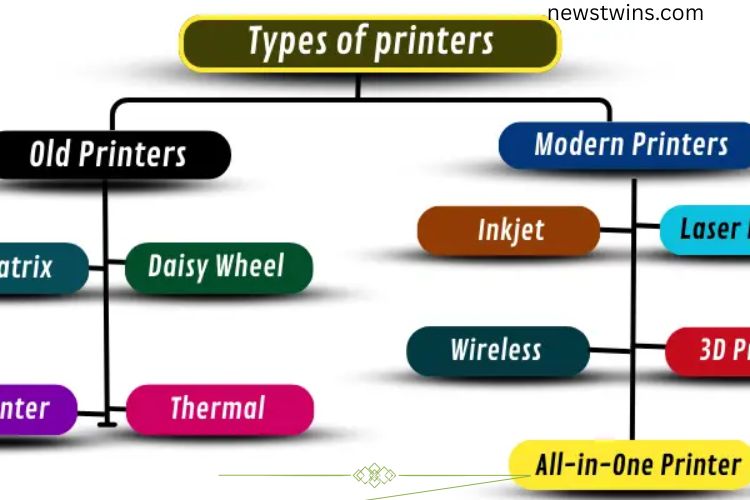
Printers are no longer just simple machines that produce text on paper. Modern technology has transformed them into versatile devices capable of creating high-quality documents, vibrant images, and even 3D objects. Understanding the different types of printers and their uses can help you choose the right device for home, office, or industrial needs.
Read More: Unlocking the Power of Drum Printers: A Complete and Insightful Overview
What Are the Types of Printers?
Printers vary in function, speed, and quality. Some are designed for basic text, while others handle high-resolution images or three-dimensional objects. Traditional printers, like dot matrix models, focused on durability and cost-efficiency but offered limited quality. Modern printers, including inkjet, laser, and 3D printers, deliver faster, sharper, and more versatile results. Recognizing the differences helps users select a printer that matches their specific requirements.
Printer Categories
Printers can be broadly divided into two main categories based on their technology and features:

- Old Printers – Early models designed primarily for text printing, slower, and simpler in design.
- Modern Printers – Advanced printers that deliver higher speed, better quality, and multiple functions.
Old Printers
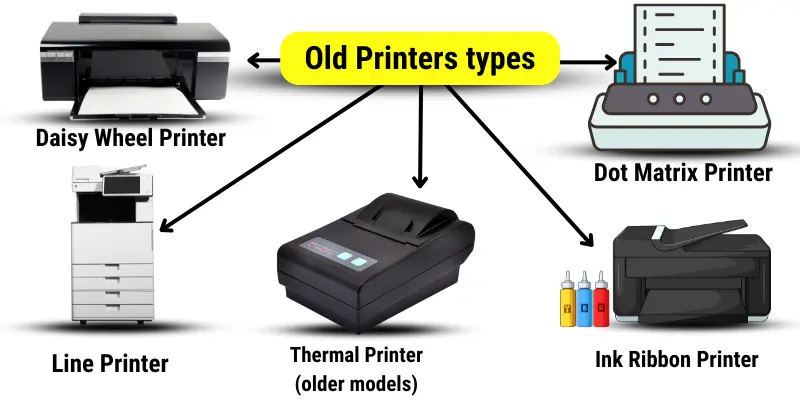
Older printers were fundamental in the development of printing technology. While slower and less versatile than modern devices, they were essential in offices and industries during their time.
Dot Matrix Printer
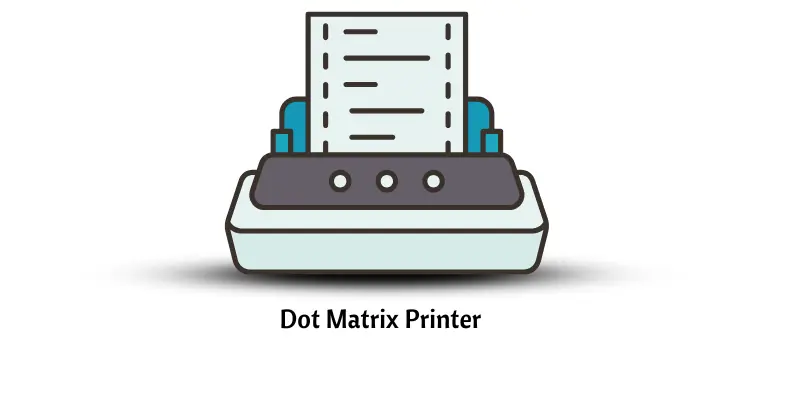
Dot matrix printers create text and images by striking pins against an ink ribbon, forming patterns of dots on paper. They are durable, inexpensive, and can print on multi-part forms, making them ideal for receipts, invoices, and industrial use. However, they are noisy and slower than contemporary printers.

Common Examples: Serial Dot Matrix, Line Dot Matrix
Daisy Wheel Printer
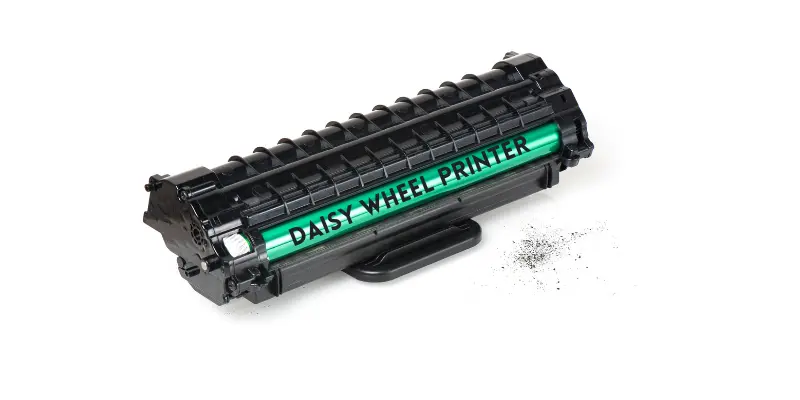
Daisy wheel printers operate like typewriters. A wheel with letters strikes the paper to form text. They produce highly legible documents, making them suitable for letters and reports. Their main drawback is slow printing speed and inability to print images.
Common Examples: Electromechanical Daisy Wheel, Thermal Daisy Wheel
Line Printer
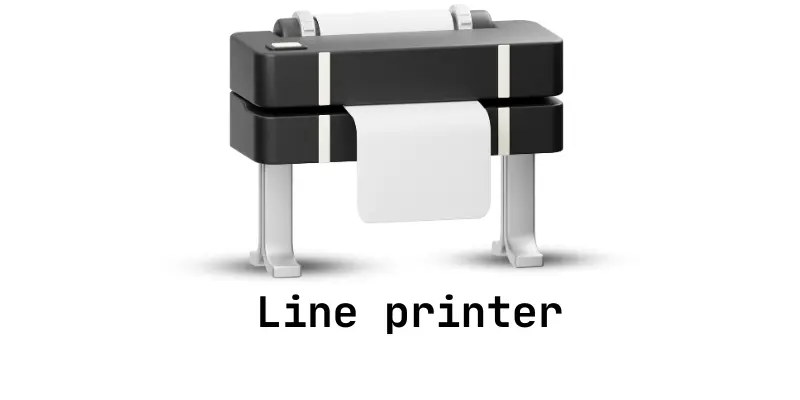
Line printers print an entire line of text at once using a drum or chain with characters. They are faster than character-by-character printers and were widely used in factories or large offices. Graphics printing is not supported, and text clarity is lower than modern devices.
Common Examples: Drum Printer, Chain Printer
Ink Ribbon Printer
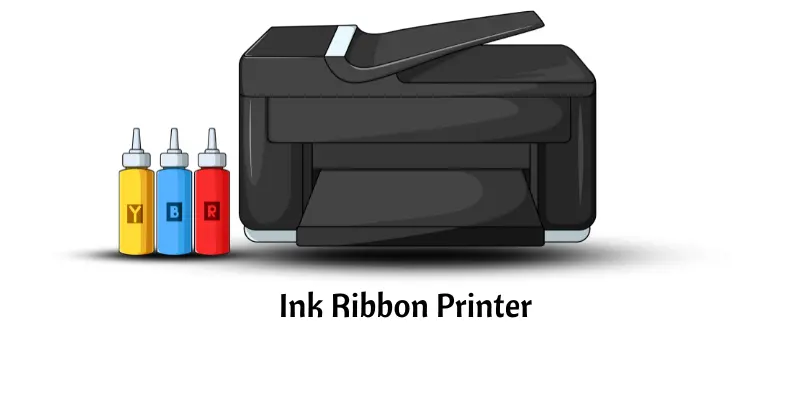
Ink ribbon printers press an ink-soaked ribbon onto paper, similar to a typewriter. They can print simple text and basic graphics. While reliable, they are slower and produce lower-quality output compared to modern printers.
Common Examples: Full Wax Ribbon, Wax-Resin Ribbon
Thermal Printer (Older Models)
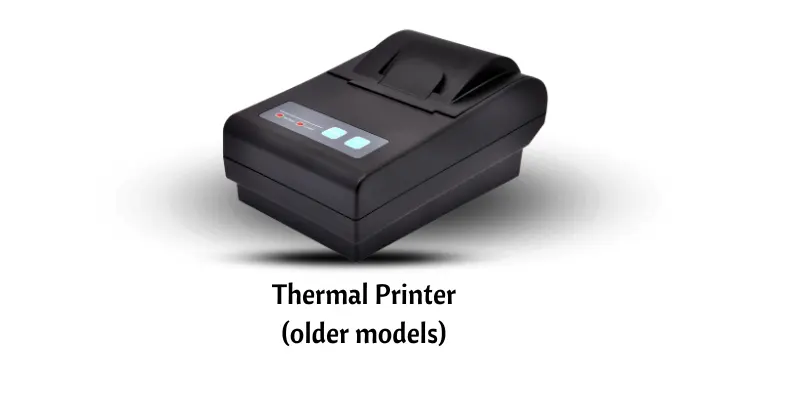
Older thermal printers use heat to transfer ink or directly mark thermal-sensitive paper. They were commonly used for receipts and tickets. Despite simplicity and low cost, prints often fade over time, and resolution is limited.
Common Examples: Direct Thermal Printer, Thermal Transfer Printer
Modern Printers
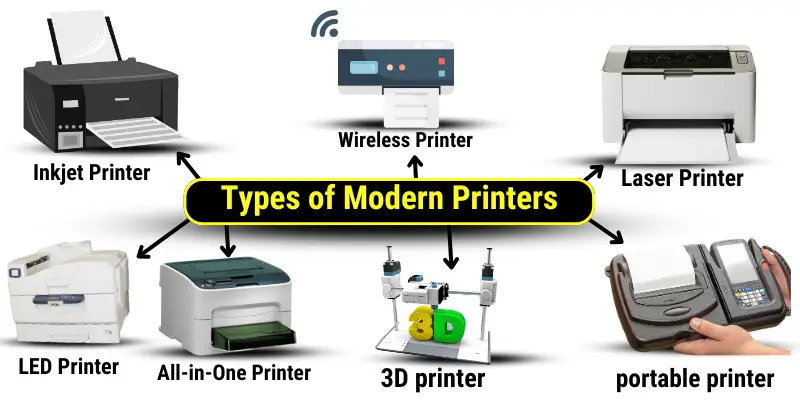
Modern printers are faster, more efficient, and feature-rich. They meet the demands of home users, offices, and industrial environments.
Inkjet Printer
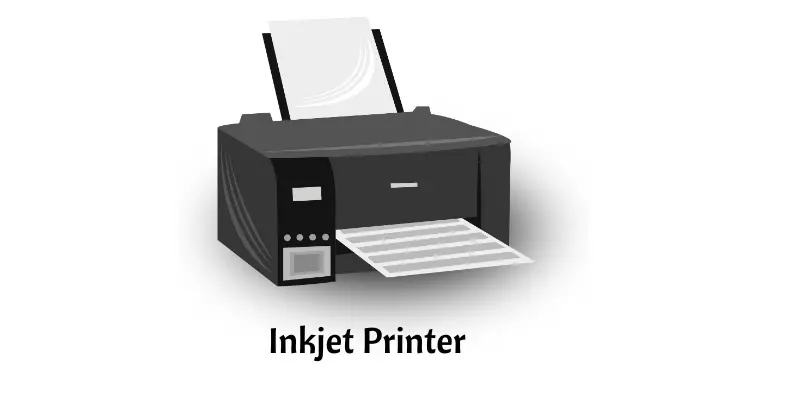
Inkjet printers spray liquid ink directly onto paper through tiny nozzles. They are ideal for high-quality color printing and photos, making them perfect for home or small office use. Inkjet printers work on a variety of paper types but are slower than laser printers.
Common Examples: Single-Function Inkjet, Photo Inkjet
Laser Printer
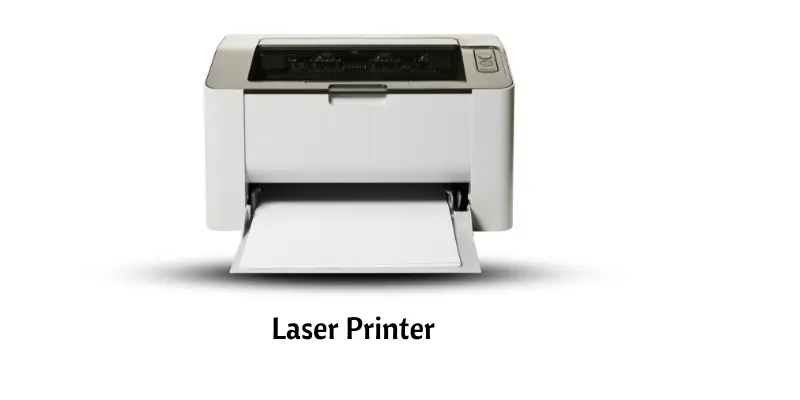
Laser printers use a laser beam to create images on a drum, which transfers toner to paper. They are fast, precise, and efficient, making them ideal for offices handling large volumes of printing. While the initial cost is higher, they are cost-effective over time due to speed and low per-page printing costs.
Common Examples: Monochrome Laser, Color Laser
3D Printer
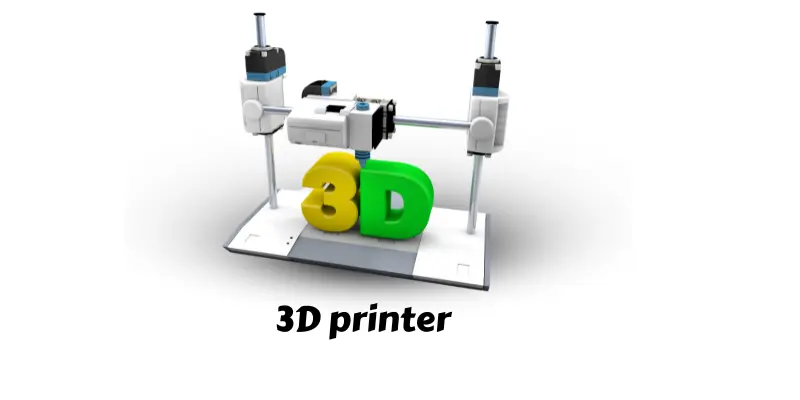
3D printers build objects layer by layer using materials such as plastic, resin, or metal. They are widely used in industries like medicine, engineering, and design to create prototypes, tools, and custom objects. 3D printing allows for rapid, precise, and customizable production.
LED Printer
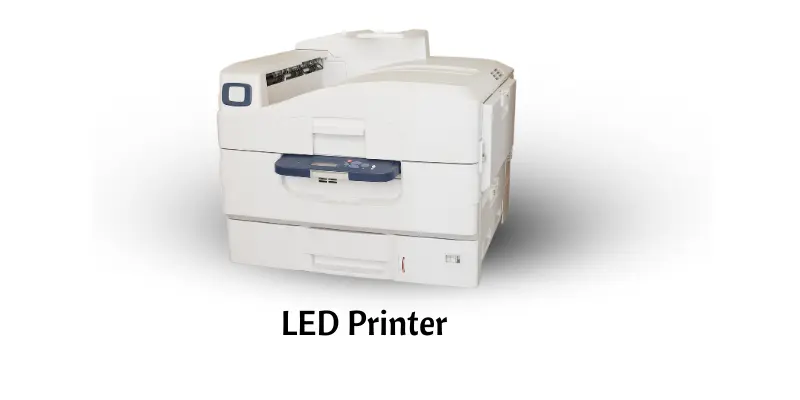
LED printers function similarly to laser printers but use light-emitting diodes instead of lasers. They are faster, energy-efficient, and require less maintenance, making them ideal for office environments needing reliable, high-quality printing.
Common Example: Xerox Phaser 6022
All-in-One Printer
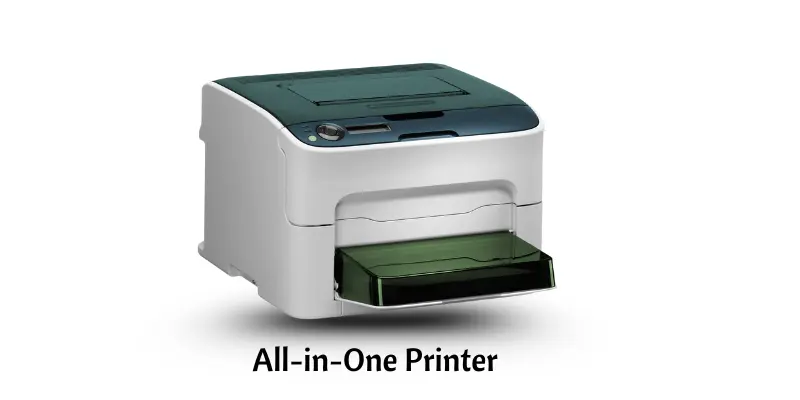
All-in-One printers combine printing, scanning, copying, and sometimes faxing into a single device. They save space, reduce costs, and are convenient for both homes and offices. Depending on the model, they may use inkjet or laser technology.
Common Examples: Inkjet All-in-One, Laser All-in-One
Wireless Printer
Wireless printers connect via Wi-Fi or Bluetooth, enabling printing from multiple devices without cables. They are convenient for home or small business environments and support printing from smartphones, tablets, and laptops.
Common Examples: Wi-Fi Printer, Bluetooth Printer
Portable Printer
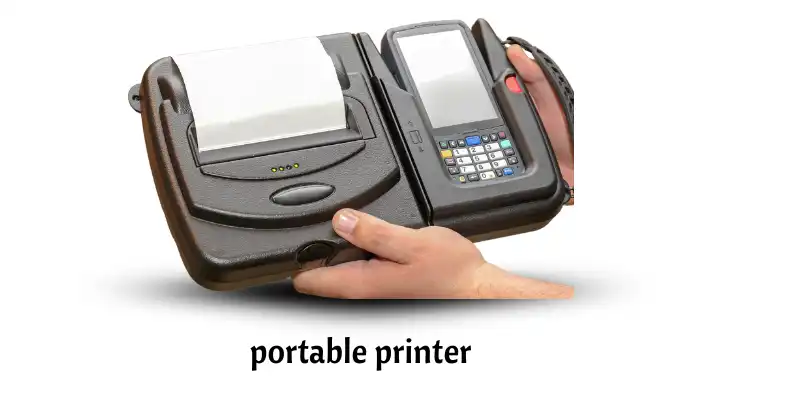
Portable printers are compact and lightweight, ideal for printing on the go. Professionals, travelers, or field workers use them to print documents or photos from laptops or mobile devices. While they are slower than traditional printers, their convenience and mobility make them invaluable.
Common Example: Inkjet Portable Printer
Printers Categorized by Usage
Printers are often designed based on where they will be used and the type of work they perform:
Home Printers
Ideal for personal use, home printers are compact, affordable, and easy to operate. Inkjet and All-in-One printers are the most common choices.
Uses:
- Printing school assignments or personal projects
- Creating colorful photos or greeting cards
- Scanning IDs or important documents
- Copying small batches of papers
Office Printers
Office printers focus on speed and efficiency. Laser and All-in-One printers can handle large volumes, multiple users, and multifunction tasks such as scanning and faxing.
Uses:
- Printing large reports or contracts
- Scanning and digitizing documents
- Copying office paperwork
- Managing multiple tasks from one device
Industrial Printers
Industrial printers cater to large-scale or specialized printing needs. 3D printers and wide-format printers support factories, professional industries, and commercial applications.
Uses:
- Producing banners, posters, or signage
- Creating 3D prototypes or parts
- Continuous printing for packaging or labels
- High-volume production of professional documents
Frequently Asked Questions:
What are the main types of printers available today?
Modern printers include inkjet, laser, LED, 3D, all-in-one, wireless, and portable printers, each designed for specific tasks like high-quality photos, office documents, or 3D object creation.
How do inkjet and laser printers differ?
Inkjet printers deliver vibrant color and high-resolution images, perfect for photos or small office work. Laser printers excel at speed, efficiency, and large-volume document printing, making them ideal for offices.
What is a 3D printer, and how is it used?
A 3D printer creates objects layer by layer using materials like plastic, metal, or resin. It’s widely used in engineering, medicine, design, and prototyping.
Are wireless printers reliable for home or office use?
Yes, wireless printers connect via Wi-Fi or Bluetooth, allowing printing from multiple devices without cables while maintaining the same print quality as wired models.
What should I consider when choosing a printer?
Consider your printing volume, required print quality, budget, and special needs such as color printing, scanning, copying, or 3D object creation.
Are old printers like dot matrix or thermal printers still useful?
Yes, they are durable, cost-effective, and capable of printing multi-part forms, making them suitable for certain industries like retail, banking, and logistics.
Can one printer handle multiple functions?
Yes, All-in-One printers combine printing, scanning, copying, and sometimes faxing into a single device, saving space and improving efficiency.
Conclusion
Printers have come a long way from simple text machines to versatile devices capable of delivering high-quality documents, vibrant images, and even three-dimensional objects. Whether you need a home printer for personal use, an office printer for high-volume tasks, or an industrial printer for large-scale production, understanding the different types and technologies helps you make an informed choice. Modern printers, including inkjet, laser, LED, 3D, wireless, and all-in-one models, offer speed, efficiency, and convenience, while older printers like dot matrix and thermal models remain valuable in specialized industries. By exploring the world of printing technologies, you can select a printer that perfectly matches your needs, boosts productivity, and delivers consistent, high-quality results.